
Error 13
Roborock Error 13: Charging Error
Applies to: Roborock. Meanings can vary by model — trust the voice alert on your unit.
What does Error 13 mean?
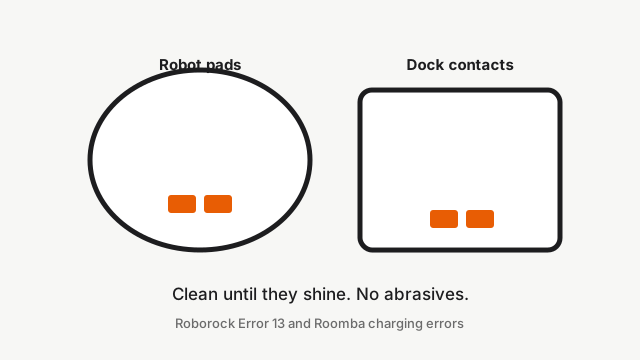
Roborock Error 13 means the robot and dock charging contacts are not making a reliable connection (oxidation, mis-seat, dock power, or cable). Battery % may not rise while docked.
How do I fix Error 13?
- Clean charging contacts on the dock and robot with a soft cloth moistened with alcohol or a soft eraser; dry fully.
- Confirm the dock indicator is solid on when empty and off when docked (per your dock style).
- Seat the power cable firmly, try another outlet, then unplug the dock for 2 minutes and retry.
- If Error 13 persists, request battery or dock repair.
Error 13 — fix guides by model
Dock layout, brush position, and parts differ by model — open the guide for your unit.
- Roborock Qrevo Curv 2 Flow: Error 13 / charging error — will not charge on dock
- Roborock Qrevo Curv: Error 13 / charging error — will not charge on dock
- Roborock Qrevo Edge: Error 13: Charging fault
- Roborock Qrevo MaxV: Error 13 / charging error — will not charge on dock
- Roborock Qrevo Pro: Error 13 / charging error — will not charge on dock
- Roborock S8 MaxV Ultra: Error 13 / charging error — will not charge on dock
- Roborock S8 Pro Ultra: Error 13 / charging error — will not charge on dock
- Roborock Saros 10: Error 13 / charging error — will not charge on dock
- Roborock Saros 10R: Error 13 / charging error — will not charge on dock
- Roborock Saros Z70: Error 13 / charging error — will not charge on dock
Still stuck?
Run free diagnosis for a guided path, or book a Brisbane meetup if DIY is not enough.