
Error 13: Charging fault
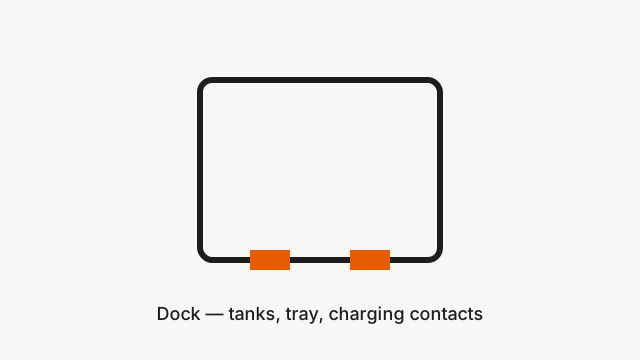
Where to look: Charging contacts on the robot rear and dock; dock power inlet.
Error 13 — charging path fault. Usually dirty contacts, loose dock power cable, or a failing dock supply. Official Qrevo Edge Series troubleshooting applies.
Picture
Quick answers
What is wrong?
Error 13 — charging path fault. Usually dirty contacts, loose dock power cable, or a failing dock supply. Official Qrevo Edge Series troubleshooting applies.
What you might notice
- Error 13 in app or voice
- Robot does not charge on dock
- Dock indicator odd while charging
Can I fix this myself?
Often yes with careful cleaning. Difficulty: medium · about 15-30 min. If unsure or it returns after parts cleaning, use mail-in repair.
What you need
- Soft cloth
- Isopropyl alcohol (optional)
- Eraser (optional, per Roborock tip)
Do this
- If charging contacts on the dock or robot rear are stained or rusty, clean with a cloth moistened with alcohol solution or an eraser, then dry.
- Confirm the dock charger works: with the robot off the dock, the front dock indicator should be solid on.
- Push the power-cable head firmly into the dock bottom slot; check both ends of the cord.
- Unplug the dock for about 2 minutes, then plug it back in and retry charging.
- Try another wall outlet. If Error 13 persists after clean contacts and solid dock power, request dock/robot charging diagnosis.
Parts (only if cleaning fails)
- Dock power cord
- Dock assembly (service)
- Robot charging contacts (service)
Official references
- https://support.roborock.com/hc/en-us/articles/36835235039513-What-should-I-do-when-error-13-occurs
- https://cdn.awsusor0.fds.api.mi-img.com/support/manuals/Roborock_Qrevo_Edge_S5A_CE_EN_User_Manual.pdf