
Powers on but does not move
Where to look: Power supply cables, impeller, tracks.
Dolphin powers on (or PSU shows red) but the robot does not start cleaning / does not move.
Picture
Quick answers
What is wrong?
Dolphin powers on (or PSU shows red) but the robot does not start cleaning / does not move.
What you might notice
- Powers on but no movement
- Red light on IoT power supply
Can I fix this myself?
Usually yes for cleaning/clearing. Difficulty: easy · about 10-20 min. If unsure or the fault returns, use mail-in repair.
What you need
- Phillips screwdriver
- Soft cloth
Do this
- Restart PSU: unplug black mains cable, disconnect blue floating cable, try another outlet, reconnect blue cable and power on.
- Unplug PSU. Open impeller cover (Phillips screwdriver, not a power drill) and remove trapped debris; reassemble.
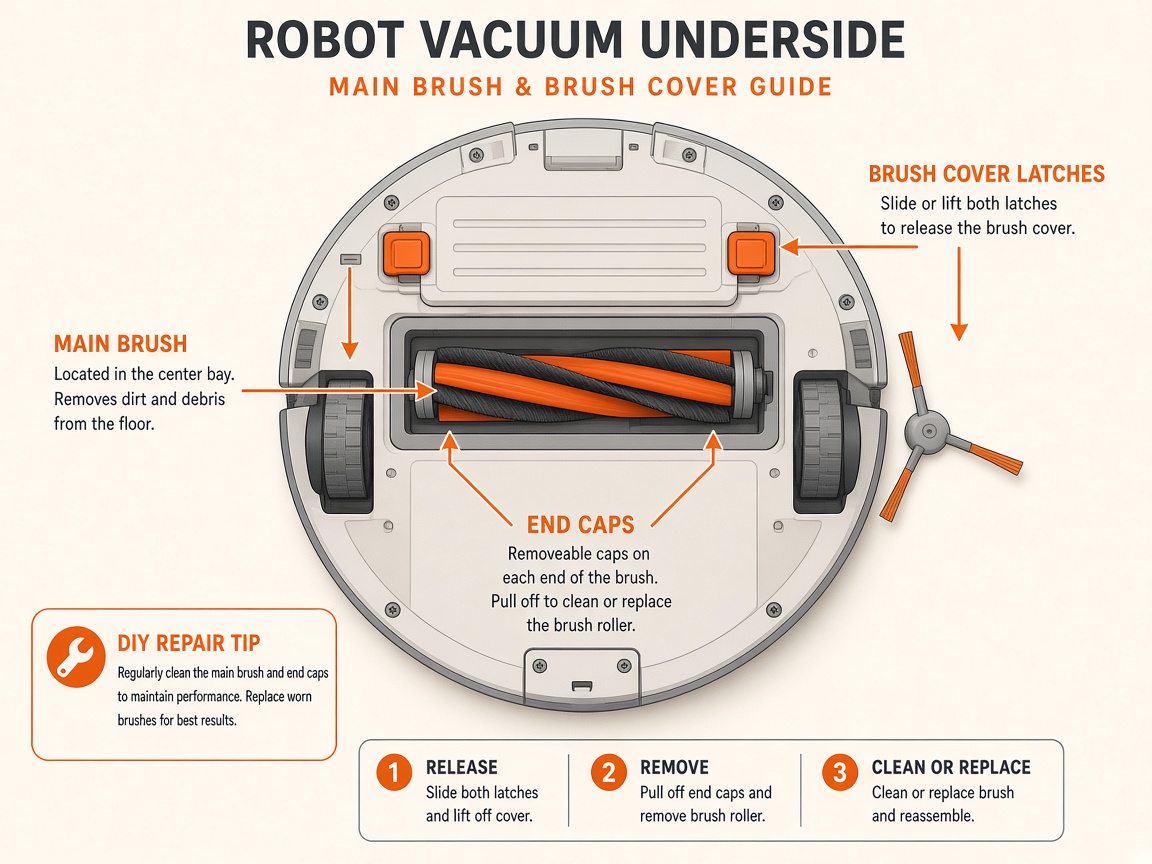
- Flip robot; rotate brushes by hand; clear tracks, brushes, and wheels of obstructions/damage.
- Ensure robot is submerged at least ~3 ft before starting. If still dead, contact dealer / request repair.
Parts (only if cleaning fails)
- None for a basic clean
Official references
- https://www.maytronics.com/global/support/faq/?question=i-can-power-my-dolphin-on-but-it-does-not-move
- https://www.maytronics.com/global/support/faq/?question=my-dolphin-starts-and-then-stops
- https://www.poolspa.co.th/wp-content/uploads/2025/07/PS-MANUAL-Robot-Pool-Cleaner-DOLPHIN-M700-English.pdf
- https://manuals.maytronics.com/intro/?pn=99996710-EU