
Maytronics Dolphin Dolphin M700: Powers on but does not move
Where to look: Power supply cables, impeller, tracks.
Dolphin powers on (or PSU shows red) but the robot does not start cleaning / does not move.
_On Maytronics Dolphin Dolphin M700, start with the filter/impeller path before assuming a drive or battery fault._
Picture
What you might notice
- Powers on but no movement
- Red light on IoT power supply
Can I DIY this?
Easy DIY (~10-20 min) on Maytronics Dolphin Dolphin M700. Clear debris first; replace a worn brush/filter only if cleaning fails. If the same alert comes back after a clean install, book a Brisbane meetup.
What you need
- Phillips screwdriver
- Soft cloth
Do this
- Restart PSU: unplug black mains cable, disconnect blue floating cable, try another outlet, reconnect blue cable and power on.
- Unplug PSU. Open impeller cover (Phillips screwdriver, not a power drill) and remove trapped debris; reassemble.
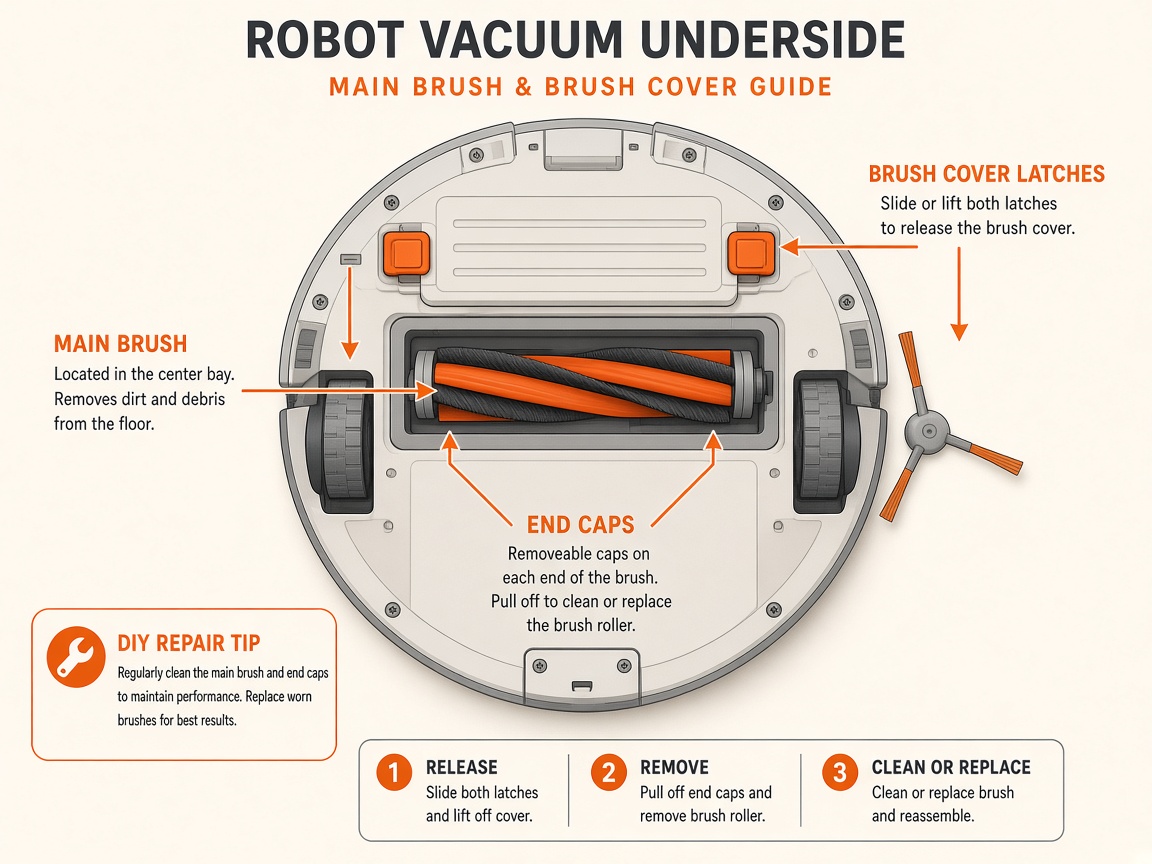
- Flip robot; rotate brushes by hand; clear tracks, brushes, and wheels of obstructions/damage.
- Ensure robot is submerged at least ~3 ft before starting. If still dead, contact dealer / request repair.
Parts (only if cleaning fails)
- None for a basic clean
Official references
- https://www.maytronics.com/global/support/faq/?question=i-can-power-my-dolphin-on-but-it-does-not-move
- https://www.maytronics.com/global/support/faq/?question=my-dolphin-starts-and-then-stops
- https://www.poolspa.co.th/wp-content/uploads/2025/07/PS-MANUAL-Robot-Pool-Cleaner-DOLPHIN-M700-English.pdf
- https://manuals.maytronics.com/intro/?pn=99996710-EU
Still stuck?
Parts for this fix
Prefer buying the part and DIY when safe — round-trip postage often rivals a new machine. Ship docks only if we ask.
- Drive tracks / wheelsSearch Amazon AU →
As an Amazon Associate, BotRescue may earn from qualifying purchases. Prices and stock are on Amazon AU. · campaign guide-dolphin-dolphin-m700