
Fails to auto-collect dust
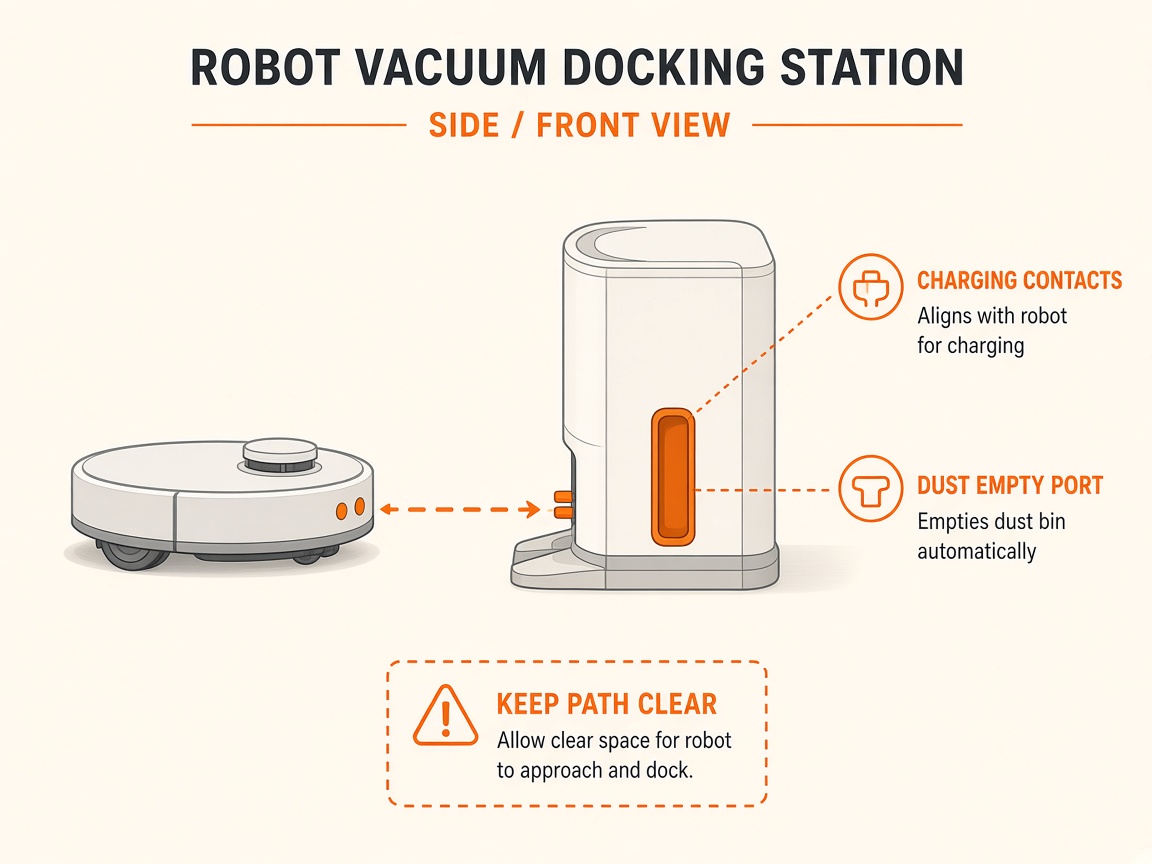
Where to look: Omni station dust bag and dust ports.
Station fails to collect dust from the robot.
Picture
Quick answers
What is wrong?
Station fails to collect dust from the robot.
What you might notice
- Auto dust collection failed
- Dust bag full
Can I fix this myself?
Usually yes for cleaning/clearing. Difficulty: easy · about 10-20 min. If unsure or the error returns, use mail-in repair.
What you need
- Soft dry cloth
Do this
- Confirm station is powered and running dust collection; dust cover and bag installed.
- Replace full dust bag. Clear blocked dust ports on robot, station, and dustbin outlet.
- Enable auto-dust collection in the app; for dusty homes set collect-every-time.
- Clean dirty charging-electrode window with a dry tissue (signal path).
- If it still fails, request repair.
Parts (only if cleaning fails)
- Dust bag
Official references
- https://www.mi.com/global/support/faq/details/KA-228140/