
Laser sensor (LDS) error
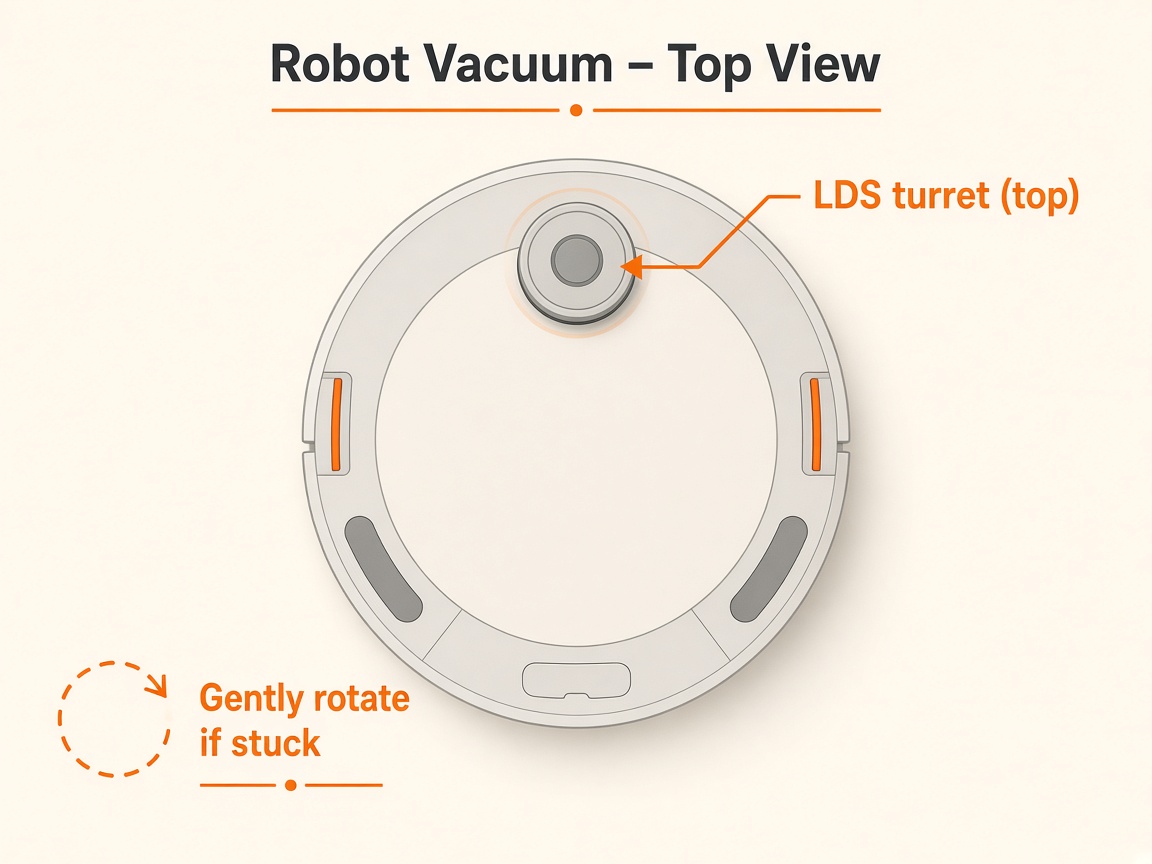
Where to look: Top LDS turret and front black lenses.
Robot reports a laser sensor error or abnormal navigation path.
Picture
Quick answers
What is wrong?
Robot reports a laser sensor error or abnormal navigation path.
What you might notice
- Laser sensor error
- Abnormal path / LDS not spinning
Can I fix this myself?
Usually yes for cleaning/clearing. Difficulty: easy · about 5-15 min. If unsure or the error returns, use mail-in repair.
What you need
- Soft dry cloth
Do this
- Restart or force-restart the robot; update to the latest firmware.
- Clear debris/hair on top of the LDS; wipe black lenses on front/sides; gently tap LDS cover to check rebound; free rotation if obstructed.
- Wipe bumper and line-laser sensor; ensure no raised stickers on the body.
- If it persists, contact Xiaomi after-sales / request repair.
Parts (only if cleaning fails)
- None for a basic clean
Official references
- https://www.mi.com/global/support/faq/details/KA-228072/
- https://www.mi.com/global/support/faq/details/KA-267823/