
Roborock S8 Pro Ultra: Dock will not empty the dustbin (full diagnostic)
Where to look: Dock dust bag / dust container, robot dustbin outlet, main brush cover, dock suction path.
Auto-empty does not start, or starts but leaves dust in the bin / makes unusual noise. Goes beyond app toggles into bag, brush cover, and air-path blockages from the official Ultra manuals.
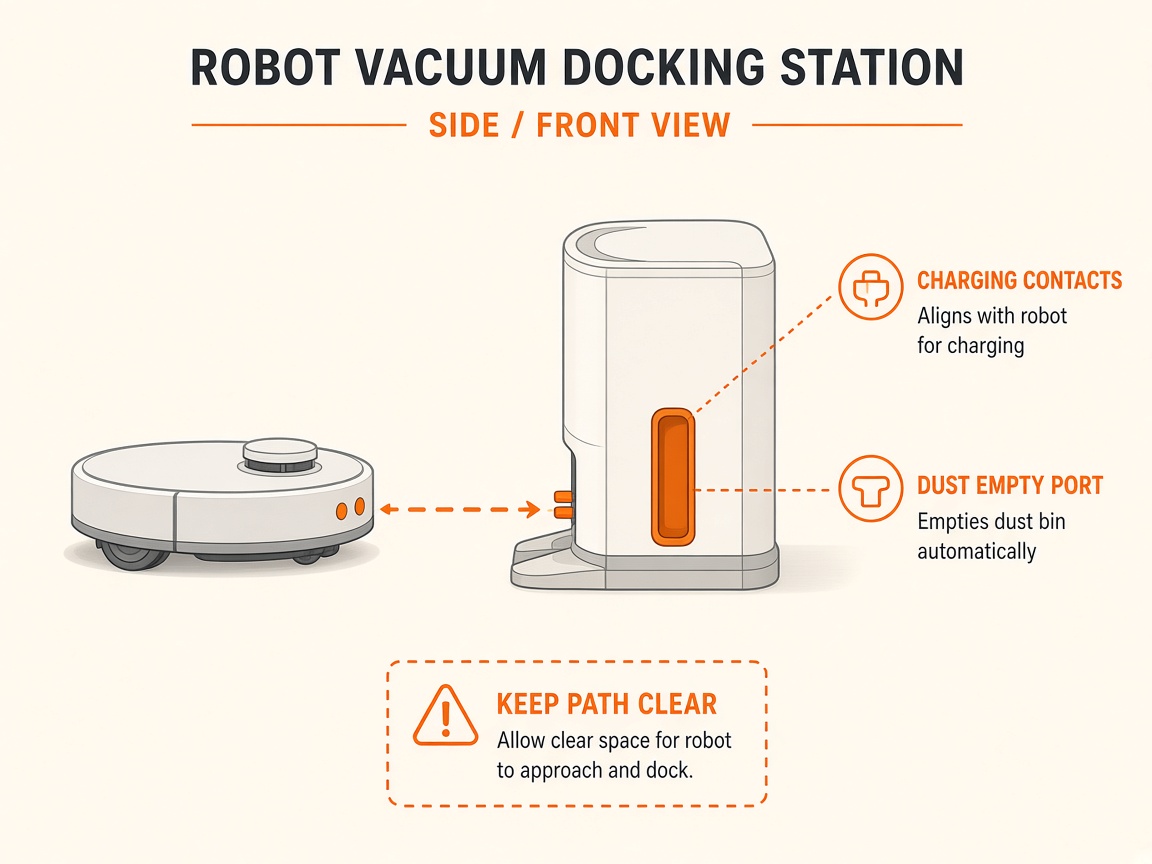
Picture
What you might notice
- No dock suction after cleaning
- Dustbin still full after empty cycle
- Unusual noise when emptying
- Reduced emptying performance
Can I DIY this?
Medium DIY (~20-45 min) on Roborock S8 Pro Ultra. Work through the steps once carefully. If you lack tools or the fault returns the same day, stop and use meetup / mail-in instead of forcing sealed parts.
What you need
- Soft cloth
- Flashlight
- Cotton swab
Do this
- In the app: enable Auto-Emptying; check Do Not Disturb is not blocking empty. Auto-empty usually will not run if you hand-placed the robot or it returned without cleaning.
- Confirm the dock dust container cover and disposable dust bag are installed; replace a full bag; unfold the bag fully in its slot.
- Use the auto-empty dustbin (not a standard bin). Remove any temporary cover over the robot air inlet if still fitted.
- Reseat the main brush and brush cover — a mis-seated cover is listed by Roborock as a cause of reduced emptying / noise.
- Clear fluff from the robot dust outlet, filter, air duct, suction inlet, and dock air inlet (use a cotton swab on the dock inlet if blocked).
- On Empty Wash Fill docks: remove clean/dirty tanks and dustbin, remove the water filter, wipe water marks, then lift the dock base to check for blockage in the air path (manual procedure).
- Try Empty manually in the app. If still failing with a clear path and bag, request dock blower/path repair.
Parts (only if cleaning fails)
- Dock dust bag
- Robot washable filter
- Dock suction path service
Official references
- https://support.roborock.com/hc/en-us/articles/17990378616089-What-can-I-do-if-the-Auto-Emptying-doesn-t-start-after-the-robot-docks-properly
- https://support.roborock.com/hc/en-us/articles/32698867114393-Why-Auto-emptying-is-not-working
- https://support.roborock.com/hc/en-us/articles/4404573420185-What-should-I-do-if-the-Auto-Empty-Dock-is-not-emptying-effectively
- https://support.roborock.com/hc/en-us/article_attachments/18342044174873
Still stuck?
Parts for this fix
Prefer buying the part and DIY when safe — round-trip postage often rivals a new machine. Ship docks only if we ask.
- Dock dust bagSearch Amazon AU →
- Robot washable filterSearch Amazon AU →
- Dock suction path serviceSearch Amazon AU →
As an Amazon Associate, BotRescue may earn from qualifying purchases. Prices and stock are on Amazon AU. · campaign guide-roborock-s8-pro-ultra