
Roborock S8 Pro Ultra: Error 18: Vacuum fan error
Where to look: Internal vacuum fan (after confirming filter/dustbin are clear).
Error 18 — vacuum fan fault. Official manuals say reset the system after clearing filter/dustbin issues. Recurring Error 18 is not a DIY fan swap for most owners.
Picture
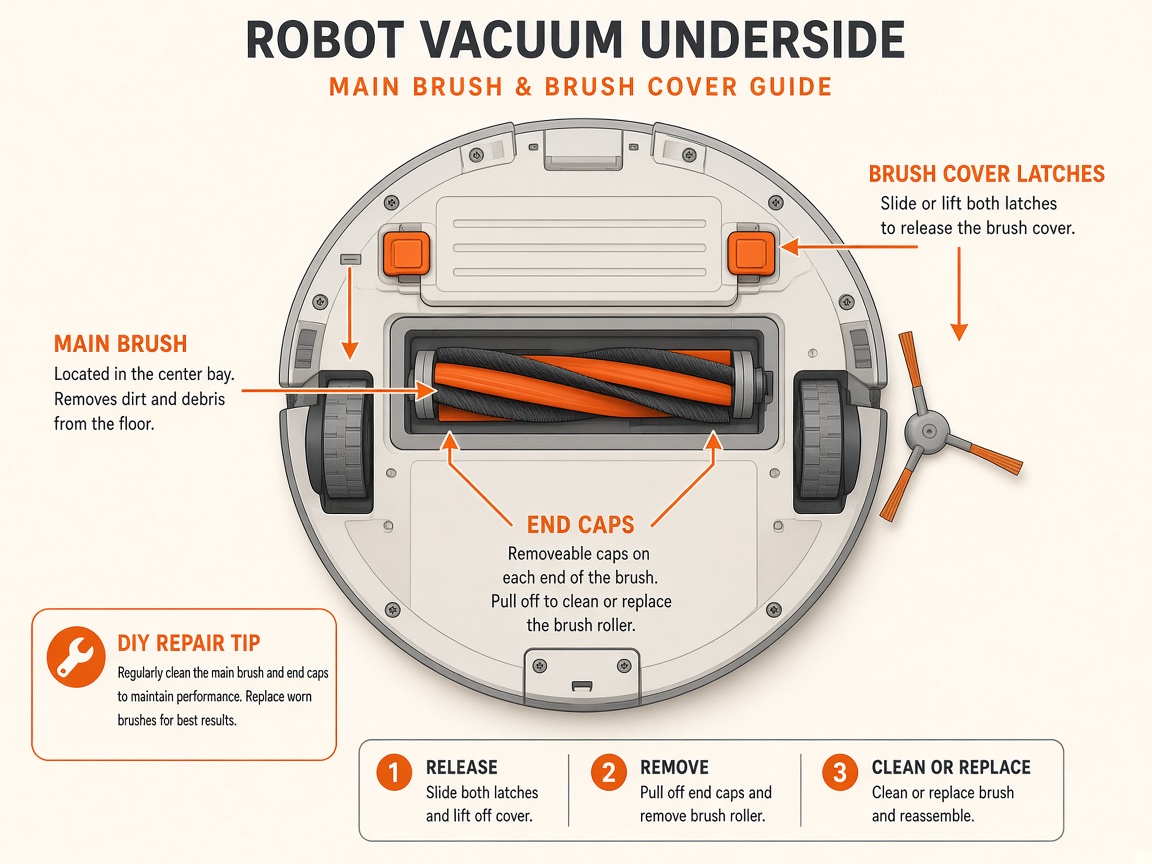
What you might notice
- Error 18 fan error
- No suction with empty bin
- Reset does not clear the alert
Can I DIY this?
Hard / triage only (~10-20 min triage only). Do the checks below on Roborock S8 Pro Ultra, then stop. Sealed boards, lithium packs, and dock harnesses are meetup/mail-in territory — see repair.
What you need
- Soft cloth
Do this
- Empty the dustbin and confirm the washable filter is dry, clean, and seated (see fan-speed / filter guide first).
- Reseat the dustbin until it latches. Restart/reset the robot per the app or button reset in your manual.
- Run a short clean. If Error 18 returns immediately with a clear airway, stop DIY.
- Request mail-in repair for fan module diagnosis — lithium battery and sealed fan assemblies are not safe home repairs.
Parts (only if cleaning fails)
- Vacuum fan module (service)
- Washable filter
Official references
- https://support.roborock.com/hc/en-us/article_attachments/900001170566
- https://support.roborock.com/hc/en-us/articles/360035731751-What-should-I-do-when-fan-speed-lowered-error-occurs
- https://support.roborock.com/hc/en-us/article_attachments/18342044174873
Still stuck?
Parts for this fix
Prefer buying the part and DIY when safe — round-trip postage often rivals a new machine. Ship docks only if we ask.
- Vacuum fan module (service)Search Amazon AU →
- Washable filterSearch Amazon AU →
As an Amazon Associate, BotRescue may earn from qualifying purchases. Prices and stock are on Amazon AU. · campaign guide-roborock-s8-pro-ultra