
Roborock Saros 10: Error 42: Dock maintenance brush jammed
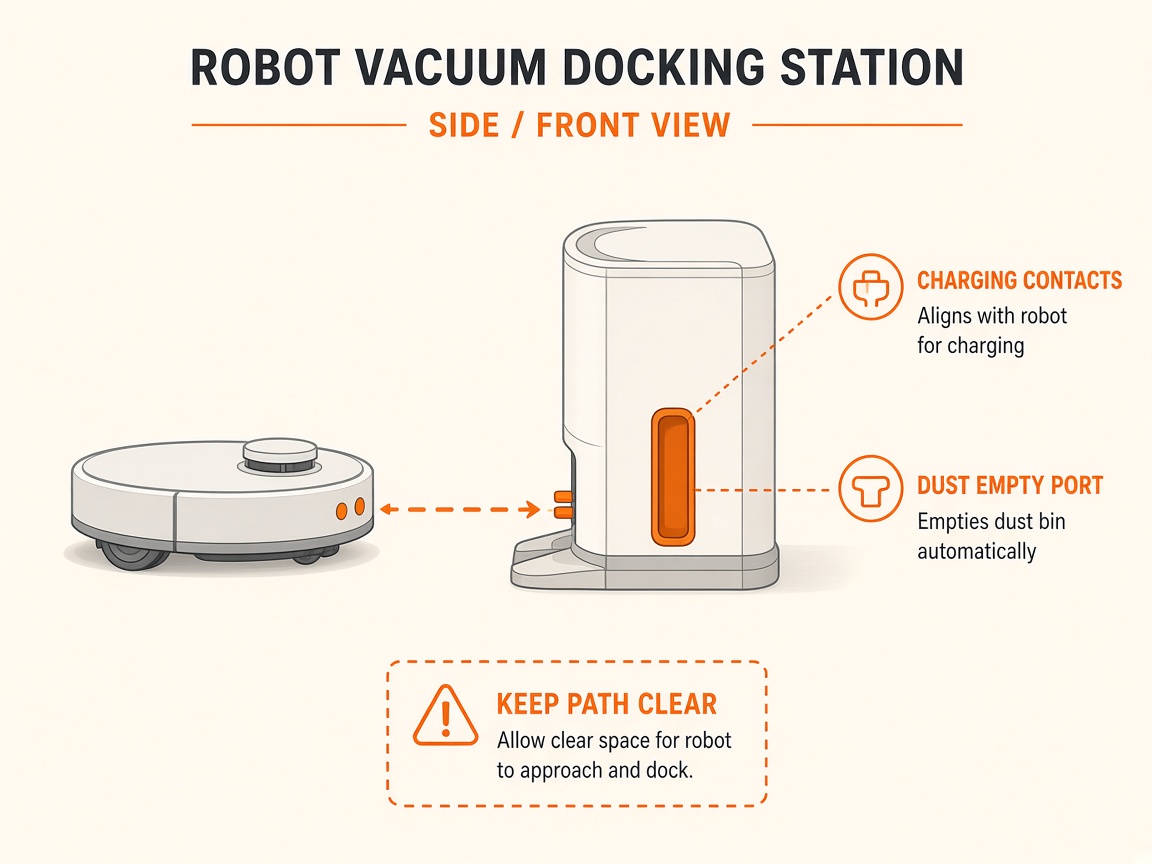
Where to look: Dock cleaning sink — high-speed maintenance brush module and water filter.
Error 42 — dock maintenance brush jammed. Left-side stop = physical jam; right-side stop = water filter blocked or not seated (S8 Pro Ultra / Saros manuals).
Picture
What you might notice
- Error 42 voice/app alert
- Mop wash interrupted
- Brush module stuck left or right
Can I DIY this?
Medium DIY (~15-30 min) on Roborock Saros 10. Work through the steps once carefully. If you lack tools or the fault returns the same day, stop and use meetup / mail-in instead of forcing sealed parts.
What you need
- Soft cloth
- Tweezers
Do this
- If the brush module stopped on the left, remove debris jamming it.
- If it stopped on the right, clean or reseat the water filter in the cleaning sink until it clicks.
- Wipe the cleaning tank dry of grit. Retry mop washing.
- If Error 42 returns with a clear brush path and locked filter, request dock brush-module repair.
Parts (only if cleaning fails)
- Cleaning sink water filter
- Maintenance brush module (service)
Official references
- https://support.roborock.com/hc/en-us/article_attachments/46139340989977
Still stuck?
Parts for this fix
Prefer buying the part and DIY when safe — round-trip postage often rivals a new machine. Ship docks only if we ask.
- Cleaning sink water filterSearch Amazon AU →
- Maintenance brush module (service)Search Amazon AU →
As an Amazon Associate, BotRescue may earn from qualifying purchases. Prices and stock are on Amazon AU. · campaign guide-roborock-saros-10