
Worx Landroid L Series: Battery charge error / not charging
Where to look: Charging base contact pins and mower charge strip.
Battery charge error (e.g. E7) or Landroid will not charge on the base.
_For Worx Landroid L Series, confirm power/loop/dock basics before any sealed motor work._
Picture
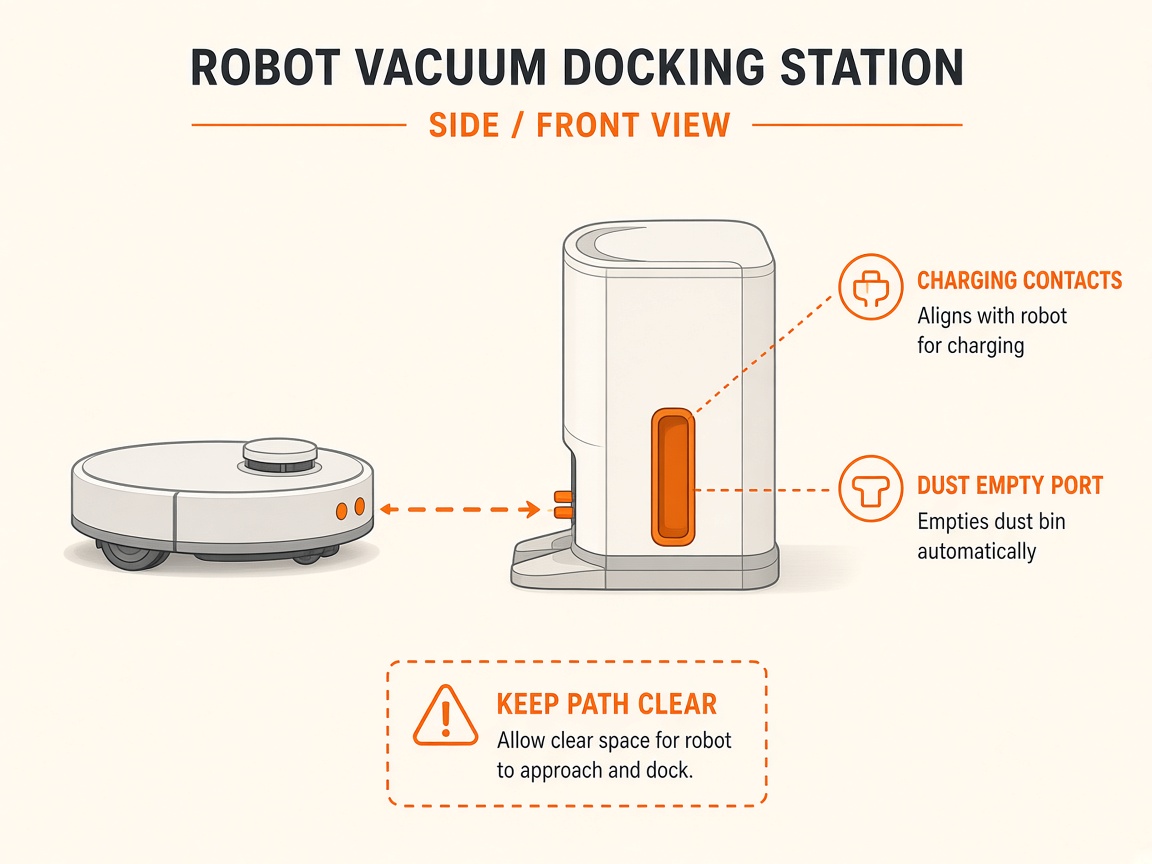
What you might notice
- Not charging
- Over-temperature wait message
Can I DIY this?
Easy DIY (~10-20 min) on Worx Landroid L Series. Clear debris first; replace a worn brush/filter only if cleaning fails. If the same alert comes back after a clean install, book a Brisbane meetup.
What you need
- Soft dry cloth
Do this
- Manually dock on a flat base with clean, aligned contact pins and charge strip.
- If battery temperature is too high (>55°C while charging): move base to shade/garage and wait to cool. If too cold, bring indoors for winter storage.
- Confirm charger power supply; if broken, contact customer service.
- If charge never completes after cooling and clean contacts, request battery/base service.
Parts (only if cleaning fails)
- Landroid battery / charger if failed
Official references
- https://b2b.mybuildingsupplies.ie/media/uploads/2023/03/User-Manual_WR130E.pdf
- https://www.worx.com/landroid-support
- https://www.worx.com/media/wysiwyg/pdp-pages/manuals/WR150M.pdf
Still stuck?
Parts for this fix
Prefer buying the part and DIY when safe — round-trip postage often rivals a new machine. Ship docks only if we ask.
- Landroid battery / charger if failedSearch Amazon AU →
As an Amazon Associate, BotRescue may earn from qualifying purchases. Prices and stock are on Amazon AU. · campaign guide-worx-landroid-l-series