
Device not charging / will not power on
Where to look: Charger inlet / dock contacts.
Cordless Aiper will not charge or will not turn on.
Picture
Quick answers
What is wrong?
Cordless Aiper will not charge or will not turn on.
What you might notice
- Not charging
- Won't turn on
- Adapter LED not indicating charge
Can I fix this myself?
Usually yes for cleaning/clearing. Difficulty: easy · about 10-20 min. If unsure or the fault returns, use mail-in repair.
What you need
- Soft dry cloth
Do this
- Fully seat the charger bump in the device inlet; confirm plug beep / adapter LED turns to charging colour on a known-good outlet.
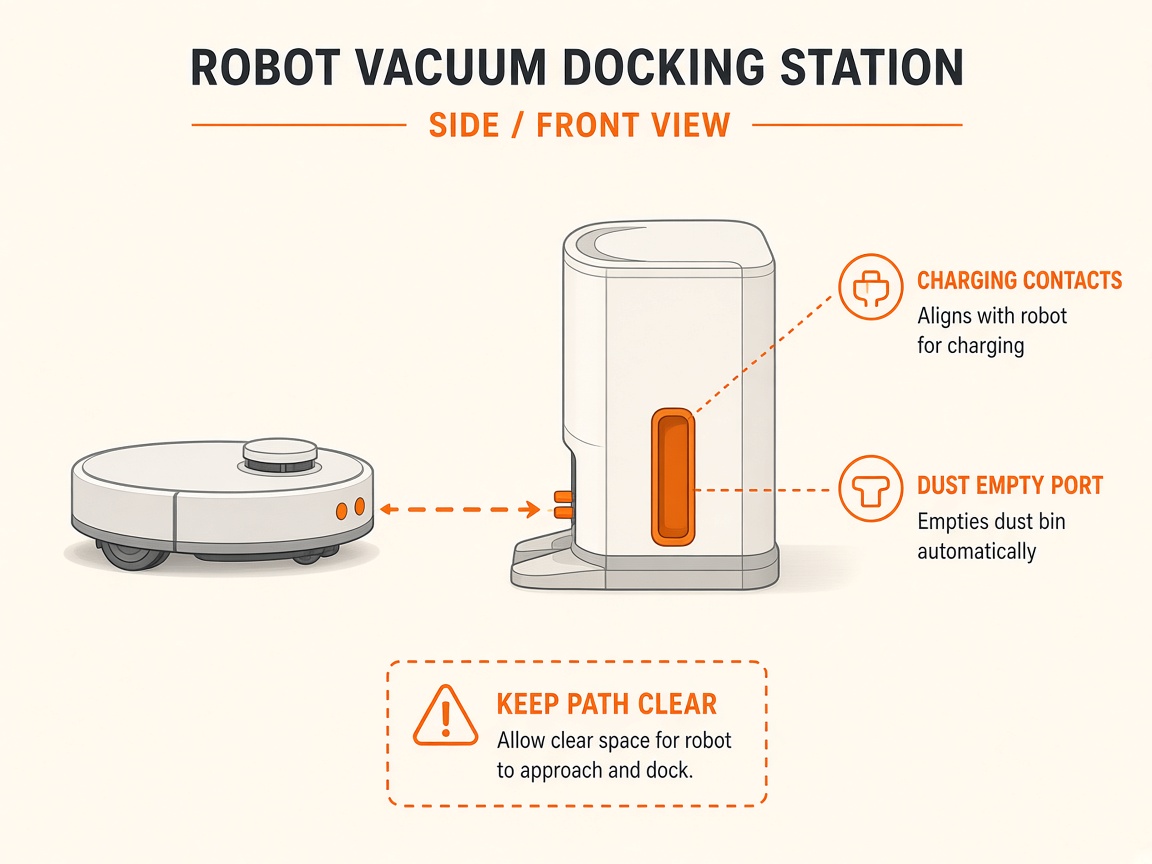
- Clean dry charging contacts. Operate/charge only in about 10–40°C. After long storage, contact Aiper if battery will not wake.
- Hard-reset if documented for your model (e.g. X1 Pro Max Power + Intensity). If still failing, request repair.
Parts (only if cleaning fails)
- None for a basic clean
Official references
- https://aiper.com/blogs/troubleshooting/s1-battery-not-charging/
- https://aiper.com/us/support