
Cannot charge on the dock
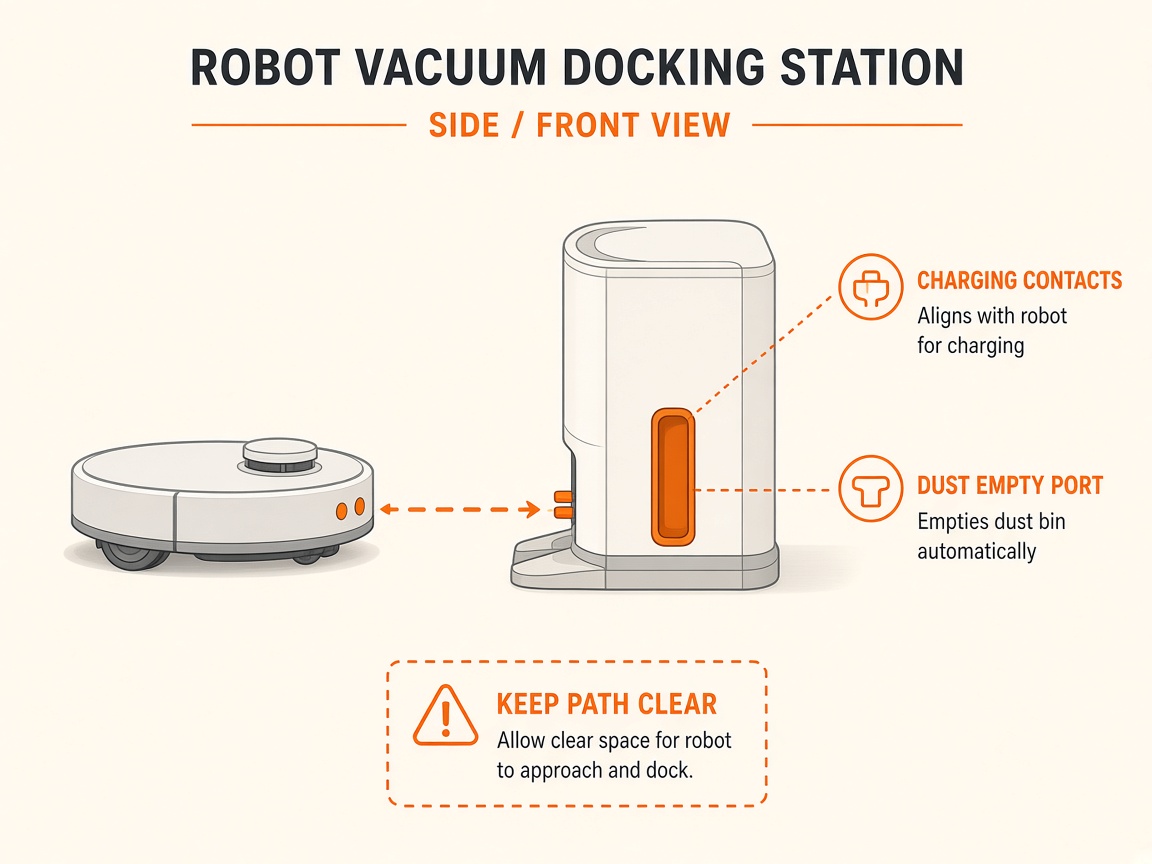
Where to look: Charge dock pins and robot contacts.
AquaSense will not charge on the Beatbot charge dock.
Picture
Quick answers
What is wrong?
AquaSense will not charge on the Beatbot charge dock.
What you might notice
- Not charging
- Breathing light missing
- Indicator mismatch
Can I fix this myself?
Usually yes for cleaning/clearing. Difficulty: easy · about 10-20 min. If unsure or the fault returns, use mail-in repair.
What you need
- Soft dry cloth
Do this
- Use only the original Beatbot charge dock. Seat the robot until the panel shows a breathing/charging light.
- Check outlet power. Clean rust/soil from dock and robot charging pins; dry thoroughly. Charge at 0–40°C.
- Restart robot if charge light mismatches battery indicators. If outlet is good but still no charge, dock may be faulty — request repair.
Parts (only if cleaning fails)
- None for a basic clean
Official references
- https://beatbot.com/pages/help-center
- https://cdn.toppy.nl/productattachment/a/q/aquasense_pro_user_manual.pdf
- https://bluedrops.eu/Files/Product%20assets/Manuals/7_robots/Aquasense%202%20Ultra%20User%20Manual.pdf