
ALERT: Laser sensor abnormal
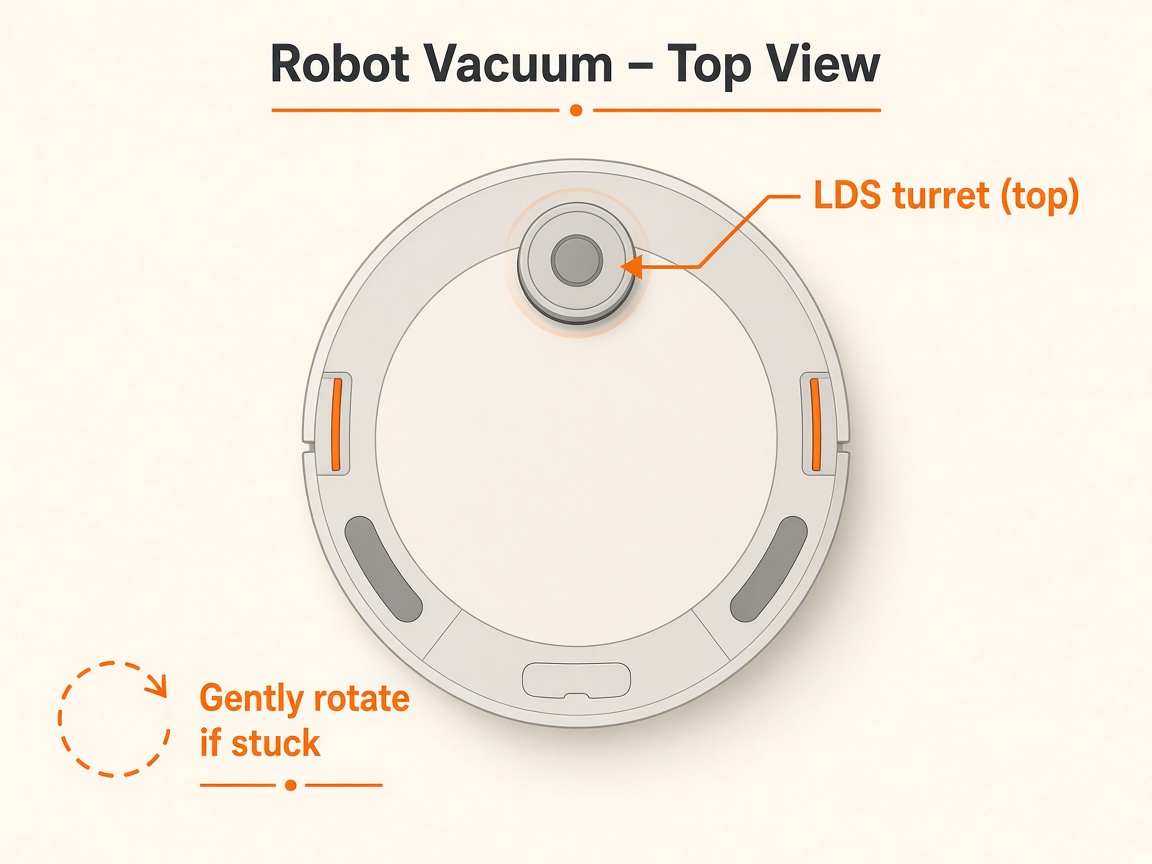
Where to look: Laser / LiDAR unit on top of the DEEBOT.
ALERT: Laser Sensor Abnormal — mapping fails. Official steps are lens wipe + reboot; a free-spinning tower that keeps alarming usually needs LDS service.
Picture
Quick answers
What is wrong?
ALERT: Laser Sensor Abnormal — mapping fails. Official steps are lens wipe + reboot; a free-spinning tower that keeps alarming usually needs LDS service.
What you might notice
- App or voice: Laser Sensor Abnormal
- Fails to map or navigates poorly
- Laser unit sticky or dirty
Can I fix this myself?
Often yes with careful cleaning. Difficulty: medium · about 10-20 min (+ repair if recurring). If unsure or it returns, use mail-in repair.
What you need
- Soft dry cloth
- Soft brush
Do this
- Gently rotate the laser unit so the radar lens faces forward. Wipe the lens with a soft brush or clean dry cloth — no liquids into the turret.
- Power off, wait a few seconds, power on again.
- Confirm the unit can spin freely by hand. Clear hair around the base of the turret if visible without forcing the housing open.
- Retry mapping. If the alert returns with a clean free-spinning laser, stop DIY and request LDS module repair.
Parts (only if cleaning fails)
- Laser / LDS module (service)
Official references
- https://help.ecovacs.com/global/support/faq-detail?id=1577
- https://help.ecovacs.com/us/support/deebot-x9-pro-omni/faq-detail?id=1910&product_id=1113
- https://help.ecovacs.com/au/support/deebot-t30-omni-black