
Ecovacs Deebot T30 Omni: Weak suction / abnormal noise — dustbin & filter
Where to look: Robot dustbin, washable filter, and underside suction nozzle.
Weak pickup or abnormal fan noise after confirming brushes are clear. Official Omni FAQs call out cleaning the dustbin and suction nozzle, and fully drying a washed filter before reuse.
Picture
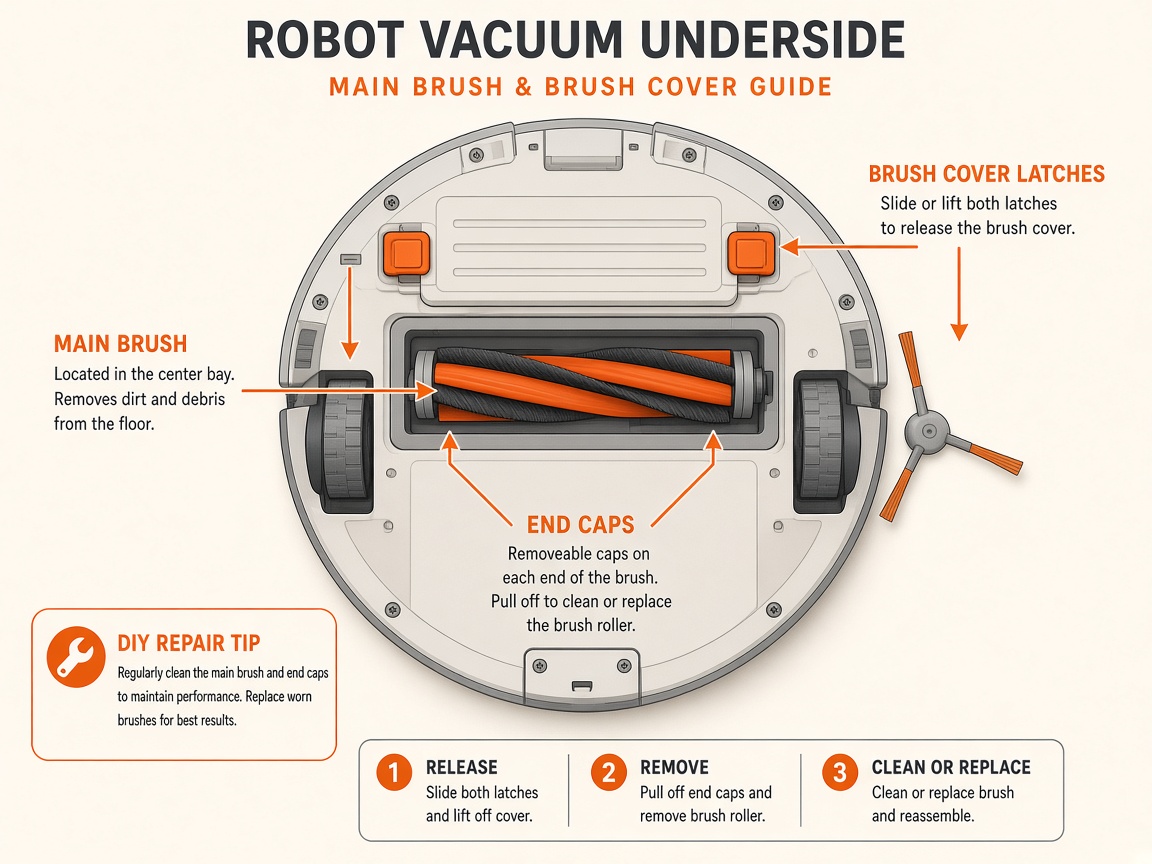
What you might notice
- Weak suction
- Abnormal noise from the fan/dustbin area
- Filter still damp after washing
Can I DIY this?
Hard / triage only (~15 min + full filter drying time). Do the checks below on Ecovacs Deebot T30 Omni, then stop. Sealed boards, lithium packs, and dock harnesses are meetup/mail-in territory — see repair.
What you need
- Clean water
- Soft cloth
Do this
- Power off. Empty the dustbin. Clean the dustbin and the underside suction nozzle of packed dust.
- Remove the washable filter. If you rinse it, allow it to dry completely before reuse — a wet filter causes abnormal noise.
- Reinstall a dry filter and latched dustbin. Clear main/side brushes if not already done.
- Retry a short clean. If suction/noise faults continue with a dry clean filter and clear nozzle, stop DIY — fan module diagnosis is a mail-in repair.
Parts (only if cleaning fails)
- Washable filter
- Vacuum fan module (service)
Official references
- https://www.ecovacs.co.za/pages/x5-pro-omni-faqs
- https://help.ecovacs.com/us/support/deebot-x5-pro-omni
- https://help.ecovacs.com/au/support/deebot-t30-omni-black
Still stuck?
Parts for this fix
Prefer buying the part and DIY when safe — round-trip postage often rivals a new machine. Ship docks only if we ask.
- Washable filterSearch Amazon AU →
- Vacuum fan module (service)Search Amazon AU →
As an Amazon Associate, BotRescue may earn from qualifying purchases. Prices and stock are on Amazon AU. · campaign guide-ecovacs-deebot-t30-omni