
Robot cannot be charged (full station diagnostic)
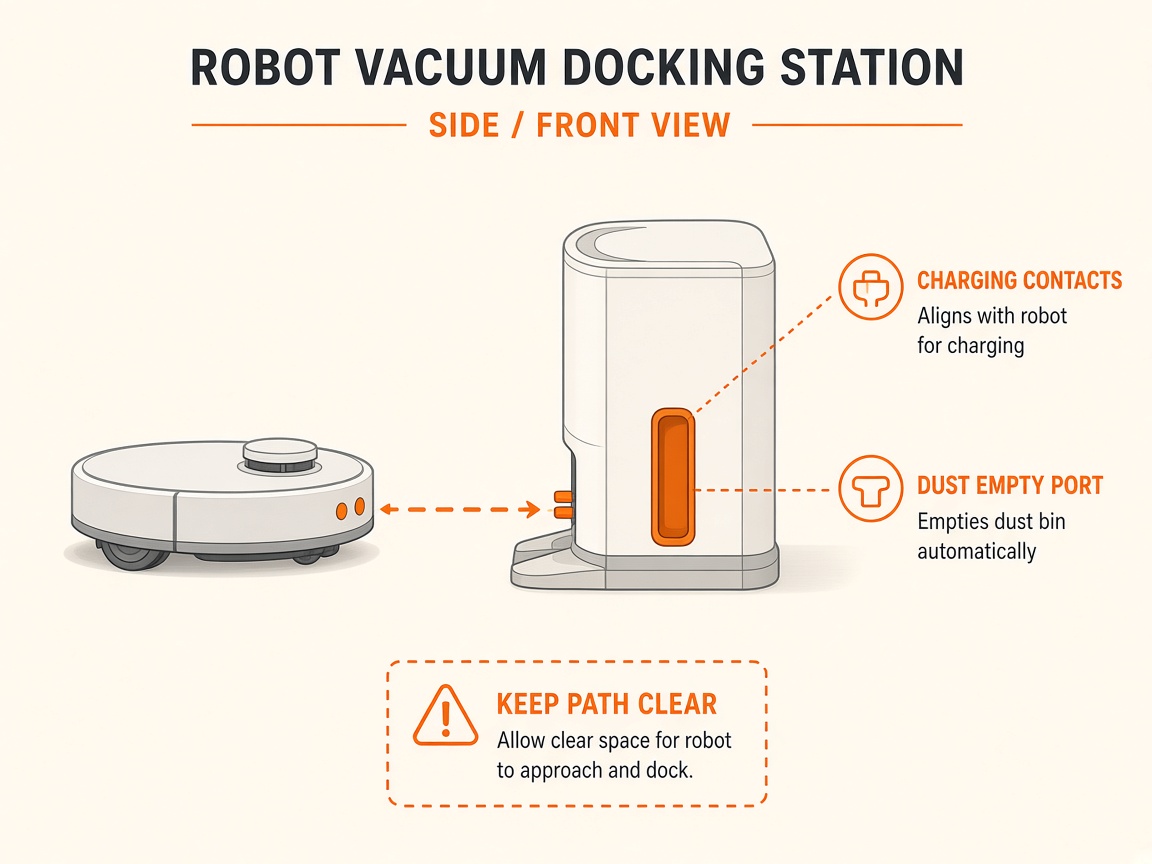
Where to look: Station power cord/switch, robot power switch under cover, charging electrodes on sink + robot rear.
DEEBOT will not charge on the OMNI Station. Official troubleshooting covers outlet, cord seating, robot power switch, manual dock, contact cleaning, and genuine mop pads before service.
Picture
Quick answers
What is wrong?
DEEBOT will not charge on the OMNI Station. Official troubleshooting covers outlet, cord seating, robot power switch, manual dock, contact cleaning, and genuine mop pads before service.
What you might notice
- Will not charge / % not rising
- Station indicator off
- Robot will not power on
- Red light flashing while operating
Can I fix this myself?
Often yes with careful cleaning. Difficulty: medium · about 15-30 min (+ repair if recurring). If unsure or it returns, use mail-in repair.
What you need
- Soft dry cloth
Do this
- Confirm the wall outlet has power. Press the power-cord connector firmly into the back of the station (US-spec stations: rear switch ON). Front station indicator should illuminate.
- Remove the robot top cover and set the power switch to "I".
- If the robot powers on: place it directly in front of the station and press and hold AUTO / Start ~3 seconds to return and charge.
- If it will not power on: manually push the rear of the robot into the station cleaning sink until you hear the charging prompt / Auto light blinks.
- Clean charging electrodes on the station sink and robot rear; confirm station pins rebound. Prefer genuine mopping pads — non-genuine pads can interfere with docking height.
- If a red light flashes while operating, follow the voice/app prompt first, then retry charge.
- If charging still fails after verified power and clean contacts, request battery/station repair — do not open the lithium pack.
Parts (only if cleaning fails)
- Station power cord
- Genuine mopping pads
- Battery pack (service)
Official references
- https://help.ecovacs.com/us/support/faq-detail?id=1685
- https://help.ecovacs.com/us/support/deebot-x5-pro-omni/faq-detail?id=1041&product_id=999
- https://help.ecovacs.com/us/support/deebot-x5-pro-omni/faq-detail?id=1041&product_id=999
- https://help.ecovacs.com/us/support/deebot-x5-pro-omni
- https://www.ecovacs.co.za/pages/x5-pro-omni-faqs