
Pudu CC1: Lost / positioning failure
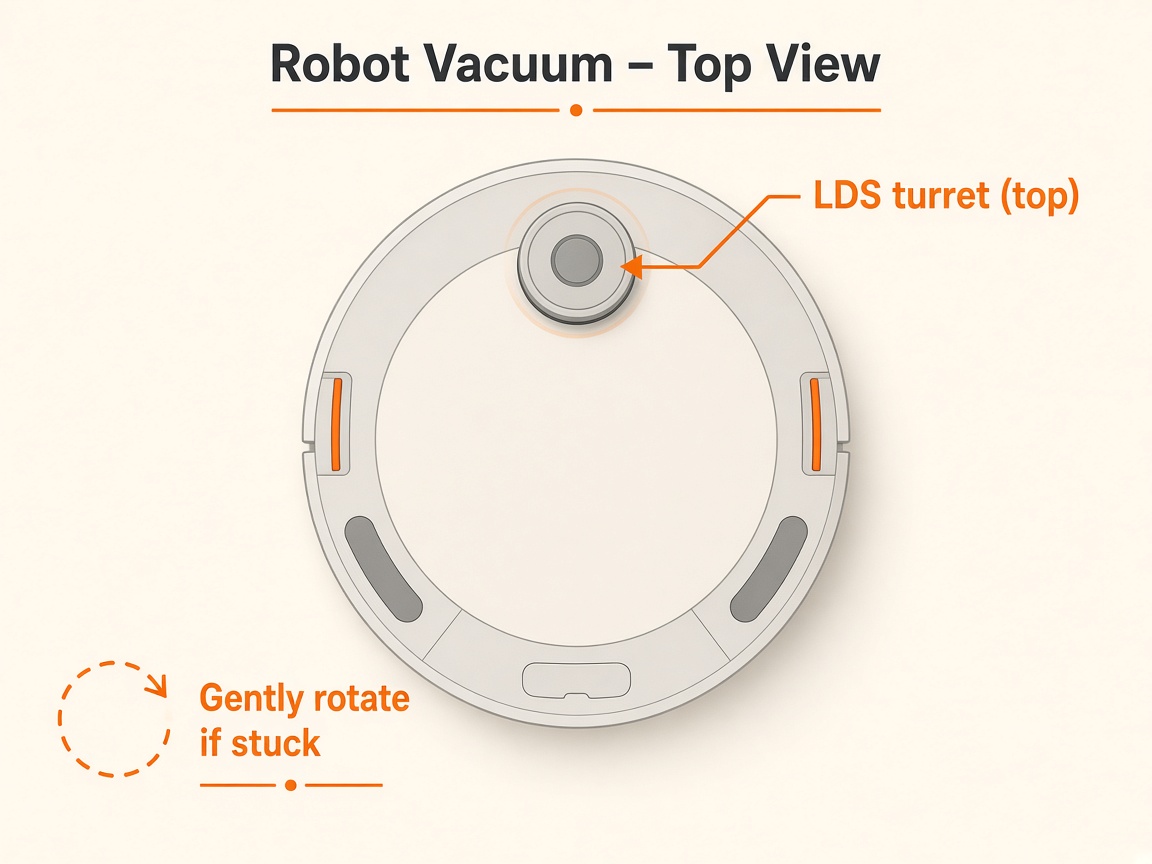
Where to look: Boot point / positioning marker and vision/LiDAR sensors.
Screen prompts lost positioning — robot cannot localise on the map.
_For Pudu CC1, confirm power/loop/dock basics before any sealed motor work._
Picture
What you might notice
- I'm lost / push below positioning mark
- Positioning failure
- Wrong map
Can I DIY this?
Easy DIY (~5-15 min) on Pudu CC1. Clear debris first; replace a worn brush/filter only if cleaning fails. If the same alert comes back after a clean install, book a Brisbane meetup.
What you need
- Lens cleaning cloth
Do this
- Select the correct map for the current site.
- Push the robot directly under the boot/positioning marker with the correct orientation, then reposition.
- Clean vision/LiDAR sensors of oil/dust with a lens cloth. Confirm vision fill light if used (e.g. red on PuduBot 2).
- Reboot and retry the task. If it persists, contact Pudu technical support / request repair.
Parts (only if cleaning fails)
- None for a basic clean
Official references
- https://static.generation-robots.com/media/pudubot2-guide-operation.pdf
- https://helpcentre.sparkepos.com/hubfs/2022%20Robotics/EN-Bella%20user%20manual.pdf?hsLang=en
- https://6083570.fs1.hubspotusercontent-na1.net/hubfs/6083570/2022%20Robotics/Kettybot%20User%20Manual.pdf
- https://academy.pudutech.com/en/docs/bei-la-cao-zuo-zhi-nan