
Beatbot AquaSense 2 Ultra: Cannot charge on the dock
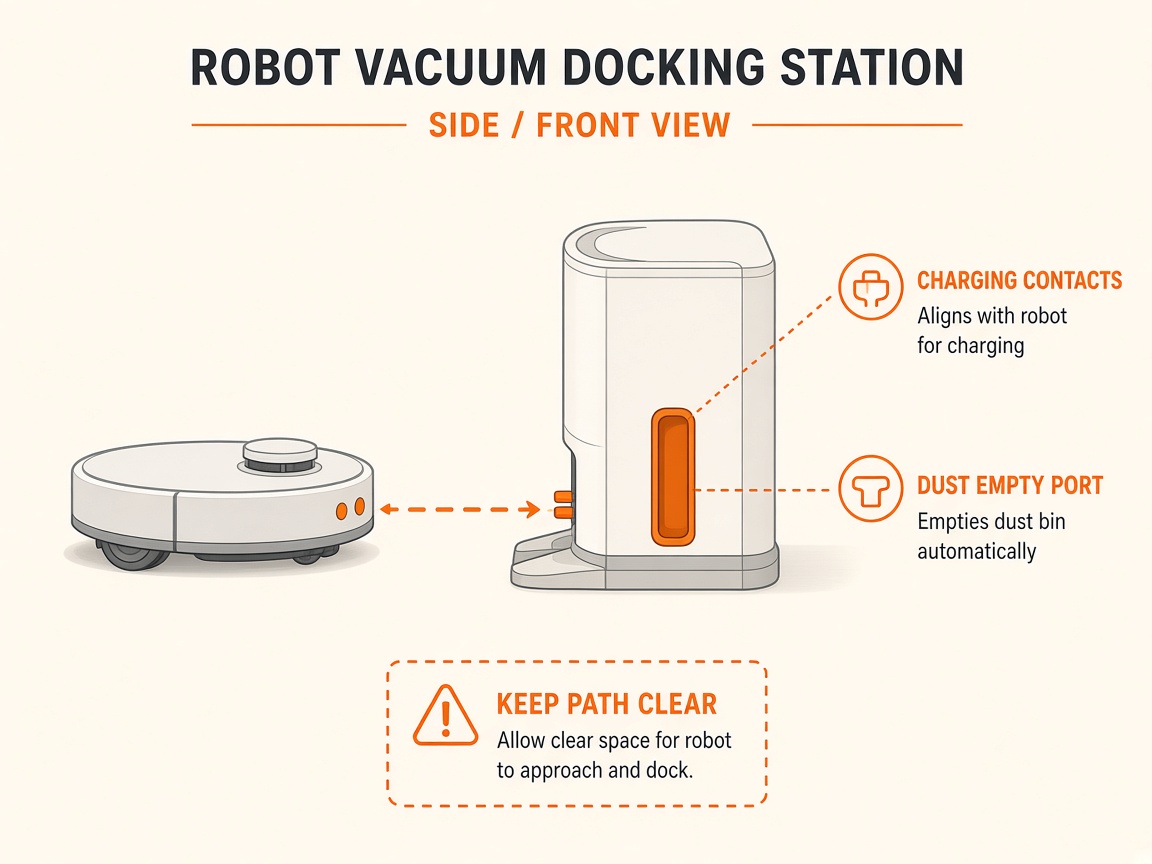
Where to look: Charge dock pins and robot contacts.
AquaSense will not charge on the Beatbot charge dock.
_On Beatbot AquaSense 2 Ultra, start with the filter/impeller path before assuming a drive or battery fault._
Picture
What you might notice
- Not charging
- Breathing light missing
- Indicator mismatch
Can I DIY this?
Easy DIY (~10-20 min) on Beatbot AquaSense 2 Ultra. Clear debris first; replace a worn brush/filter only if cleaning fails. If the same alert comes back after a clean install, book a Brisbane meetup.
What you need
- Soft dry cloth
Do this
- Use only the original Beatbot charge dock. Seat the robot until the panel shows a breathing/charging light.
- Check outlet power. Clean rust/soil from dock and robot charging pins; dry thoroughly. Charge at 0–40°C.
- Restart robot if charge light mismatches battery indicators. If outlet is good but still no charge, dock may be faulty — request repair.
Parts (only if cleaning fails)
- None for a basic clean
Official references
- https://beatbot.com/pages/help-center
- https://cdn.toppy.nl/productattachment/a/q/aquasense_pro_user_manual.pdf
- https://bluedrops.eu/Files/Product%20assets/Manuals/7_robots/Aquasense%202%20Ultra%20User%20Manual.pdf
Still stuck?
Parts for this fix
Prefer buying the part and DIY when safe — round-trip postage often rivals a new machine. Ship docks only if we ask.
- Power supply / floating cableSearch Amazon AU →
As an Amazon Associate, BotRescue may earn from qualifying purchases. Prices and stock are on Amazon AU. · campaign guide-beatbot-aquasense-2-ultra