
Robot not charging
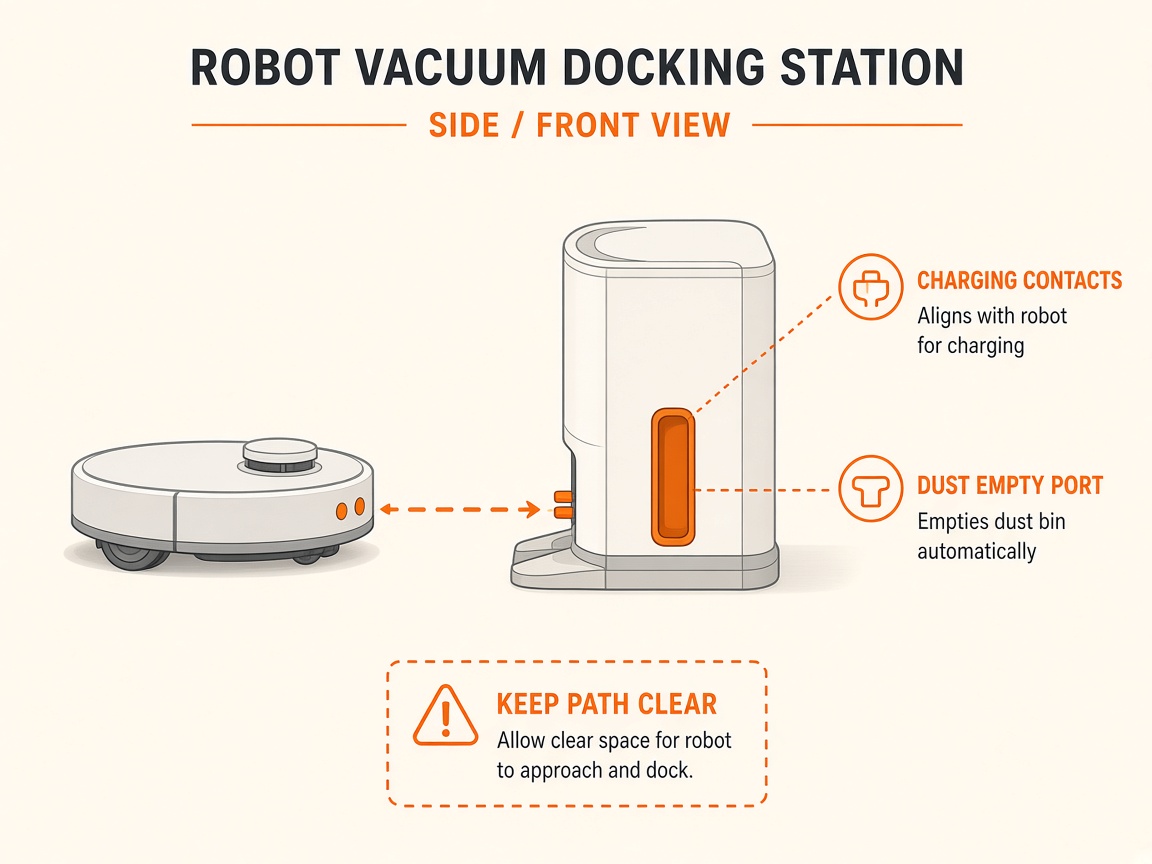
Where to look: Base ramp charging contacts.
Shark robot is not powering on or charging on the NeverTouch / PowerDetect base.
Picture
Quick answers
What is wrong?
Shark robot is not powering on or charging on the NeverTouch / PowerDetect base.
What you might notice
- Not charging
- Flashing red battery LED
Can I fix this myself?
Usually yes for cleaning/clearing. Difficulty: easy · about 10-20 min. If unsure or the error returns, use mail-in repair.
What you need
- Soft dry cloth
Do this
- Confirm the base is plugged in and the base LED indicates power (green/white per model).
- Place the robot on the ramp with the Shark logo upside-down and slide it up so metal contacts touch. Wait at least 5 seconds.
- Clean charging contacts on robot and base with a dry cloth; also wipe sensors, water outlets, and debris intake if present.
- If critically low, leave on the base to recover. If still failing, request repair.
Parts (only if cleaning fails)
- None for a basic clean
Official references
- https://support.sharkninja.de/article/RV2900XEUK-Series-Shark-POWERDETECT-ThermaCharged-Robot-Vacuum-Robot-Not-Charging
- https://support.sharkninja.co.uk/en-GB/article/RV2900XEUK-Series-Shark-POWERDETECT-ThermaCharged-Robot-Vacuum-FAQs-uk