
Robot unresponsive — reboot
Where to look: Power / Dock button on the robot.
Robot is unresponsive; reboot per Shark guidance.
Picture
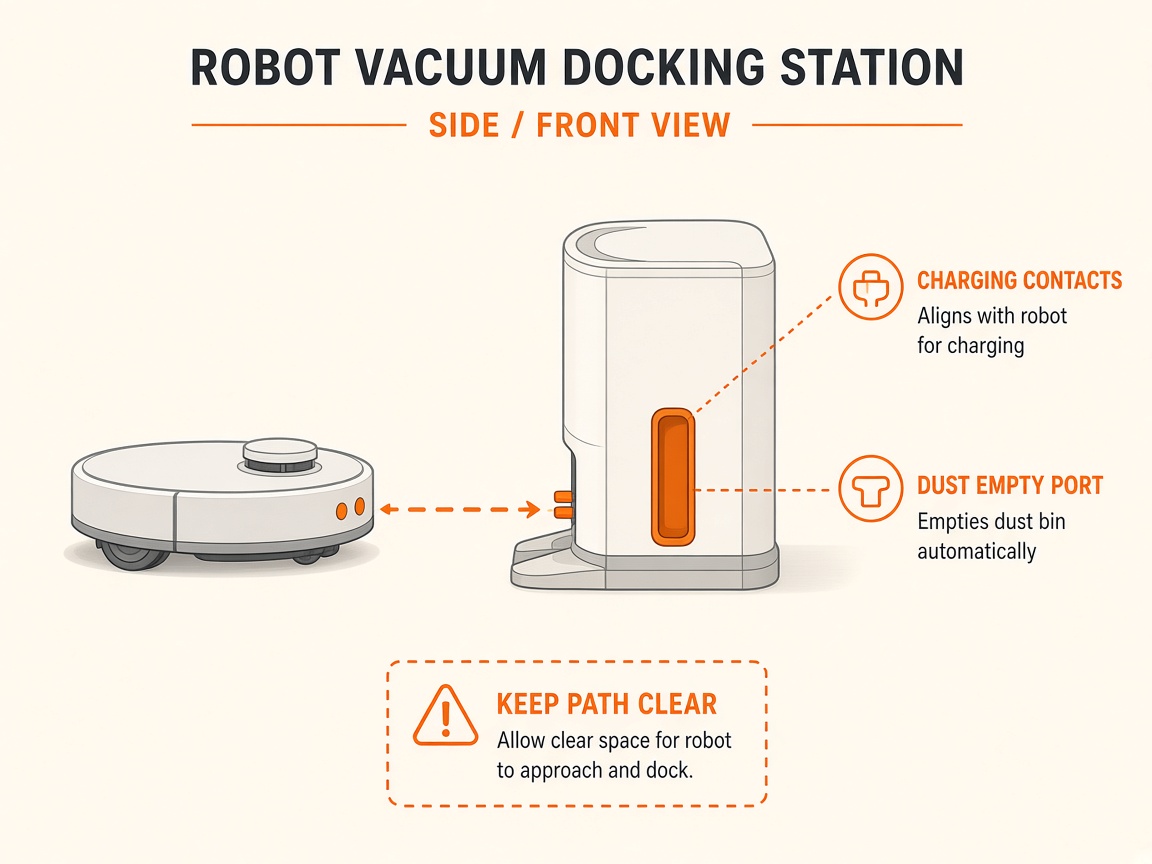
Quick answers
What is wrong?
Robot is unresponsive; reboot per Shark guidance.
What you might notice
- Unresponsive
- App / Wi-Fi issues after power glitch
Can I fix this myself?
Usually yes for cleaning/clearing. Difficulty: easy · about 5-10 min. If unsure or the error returns, use mail-in repair.
What you need
- Soft dry cloth
Do this
- Remove from base. Hold Power/Dock about 3–7 seconds to power off (per model instructions).
- Place back on the base to power on / resume charging.
- If still unresponsive after contact cleaning, request repair.
Parts (only if cleaning fails)
- None for a basic clean
Official references
- https://support.sharkninja.de/article/RV2900XEUK-Series-Shark-POWERDETECT-ThermaCharged-Robot-Vacuum-Robot-Not-Charging
- https://support.sharkninja.co.uk/en-GB/article/RV2900XEUK-Series-Shark-POWERDETECT-ThermaCharged-Robot-Vacuum-FAQs-uk