
Commercial Delivery / greeting robot: Navigation / obstacle avoidance issue
Where to look: LiDAR / cameras and mapped routes.
Commercial delivery or greeting robot loses path or stops for obstacles repeatedly.
_For Commercial Delivery / greeting robot, confirm power/loop/dock basics before any sealed motor work._
Picture
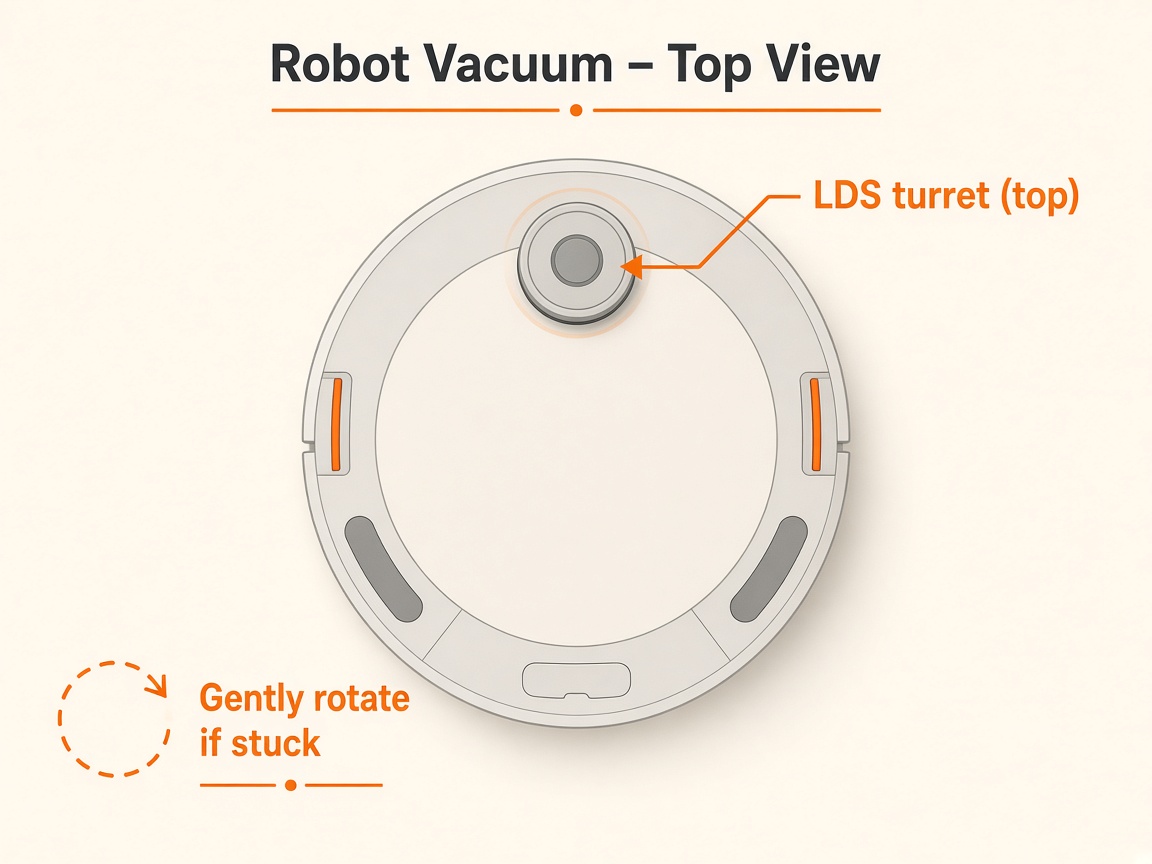
What you might notice
- Lost path
- Repeated obstacle stops
Can I DIY this?
Easy DIY (~10-20 min) on Commercial Delivery / greeting robot. Clear debris first; replace a worn brush/filter only if cleaning fails. If the same alert comes back after a clean install, book a Brisbane meetup.
What you need
- Soft dry cloth
Do this
- Select the correct map; reposition at the official boot/marker point facing the right way.
- Clean LiDAR and camera lenses; clear temporary obstacles on mapped routes.
- Reboot and re-run. Escalate to the robot vendor's technical support if it continues.
Parts (only if cleaning fails)
- None for a basic clean
Official references
- https://static.generation-robots.com/media/pudubot2-guide-operation.pdf
- https://helpcentre.sparkepos.com/hubfs/2022%20Robotics/EN-Bella%20user%20manual.pdf?hsLang=en
- https://academy.pudutech.com/en/docs/charging-station-qsg