
Battery will not charge or will not seat
Where to look: Side battery bay, pack LEDs, official charger
Pack will not click into the G1, will not take a charge, or runtime collapses after sessions.
Picture
Quick answers
What is wrong?
Pack will not click into the G1, will not take a charge, or runtime collapses after sessions.
What you might notice
- Battery will not click in
- Will not charge
- Runtime much shorter than ~2 h class
Can I fix this myself?
Usually yes for the checks below. Difficulty: easy · about 10-25 min. If unsafe or unresolved, use meetup / mail-in repair.
What you need
- Official Unitree charger
- Soft dry cloth
Do this
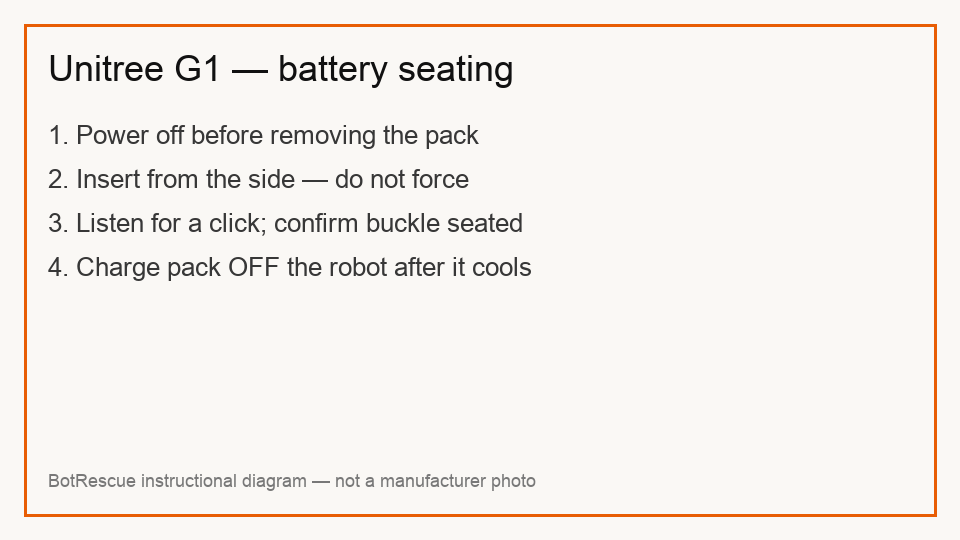
- Remove the pack using the strap/clip. Never force a mis-oriented pack — adjust direction until it clicks and the buckle is seated.
- Charge with the pack removed and powered off. Plug charger into AC first, then connect the battery. Wait until pack temperature returns to room temperature after a run.
- When battery indicators go off, charging is complete — disconnect charger and pack. Use only the official charger for this pack family.
- If the pack still will not charge or the robot body interface looks damaged/deformed, stop DIY cell work and request assessment / Unitree after-sales.
Parts (only if cleaning fails)
- Official G1 smart battery
- Official charger
Official references
- https://cistemlabs.ai/wp-content/uploads/2025/04/G1-USER-MANUAL-EN.pdf
- https://support.unitree.com/home/en/G1_developer/quick_start
- https://www.docs.mybotshop.de/downloads/G1_User_Manual.pdf