
Battery charging faults / will not charge
Where to look: Removed smart battery + official charger LEDs
R1 smart battery will not charge, overheats on charge attempt, or never reaches full (LEDs off).
Picture
Quick answers
What is wrong?
R1 smart battery will not charge, overheats on charge attempt, or never reaches full (LEDs off).
What you might notice
- Will not charge
- Pack warm and charger rejected
- LEDs never reach full/off
Can I fix this myself?
Usually yes for the checks below. Difficulty: easy · about 10-20 min. If unsafe or unresolved, use meetup / mail-in repair.
What you need
- Official Unitree charger
- Non-flammable surface
Do this
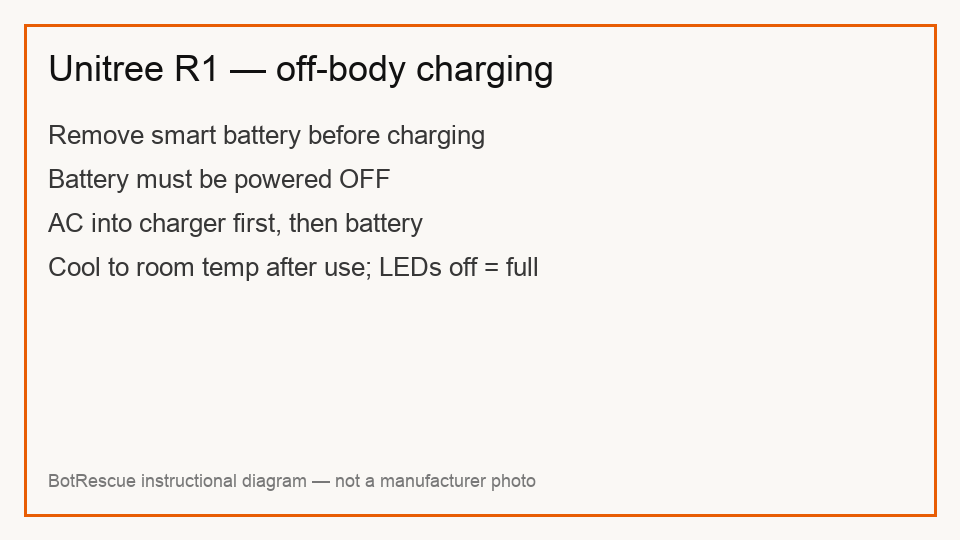
- Remove the quick-release smart battery from the R1 before charging. Power the pack off before connecting the charger.
- Connect the charger to compatible AC (100–240 V) first, then connect the battery. Never use a damaged or unofficial charger.
- If the pack is hot after use, cool to room temperature before charging (ideal ambient roughly 5–40 °C per Unitree pack guidance).
- Full charge is indicated when pack indicator lights turn off — then disconnect. Escalating charge faults → assessment; do not open cells.
Parts (only if cleaning fails)
- Official R1/Unitree smart battery
- Official charger
Official references
- https://support.unitree.com/home/en/R1_developer
- https://support.unitree.com/home/en/R1_developer/about_R1
- https://dwn.alza.cz/manual/155527