
Camera or LiDAR dirty / obstructed
Where to look: Head camera lenses and LiDAR window
Perception degrades because camera lenses or the head-mounted LiDAR window are dirty or blocked.
Picture
Quick answers
What is wrong?
Perception degrades because camera lenses or the head-mounted LiDAR window are dirty or blocked.
What you might notice
- Cloudy camera image
- LiDAR obstructed warning / poor perception
- Foreign matter on head sensors
Can I fix this myself?
Usually yes for the checks below. Difficulty: easy · about 5-15 min. If unsafe or unresolved, use meetup / mail-in repair.
What you need
- Dry clean soft cloth
Do this
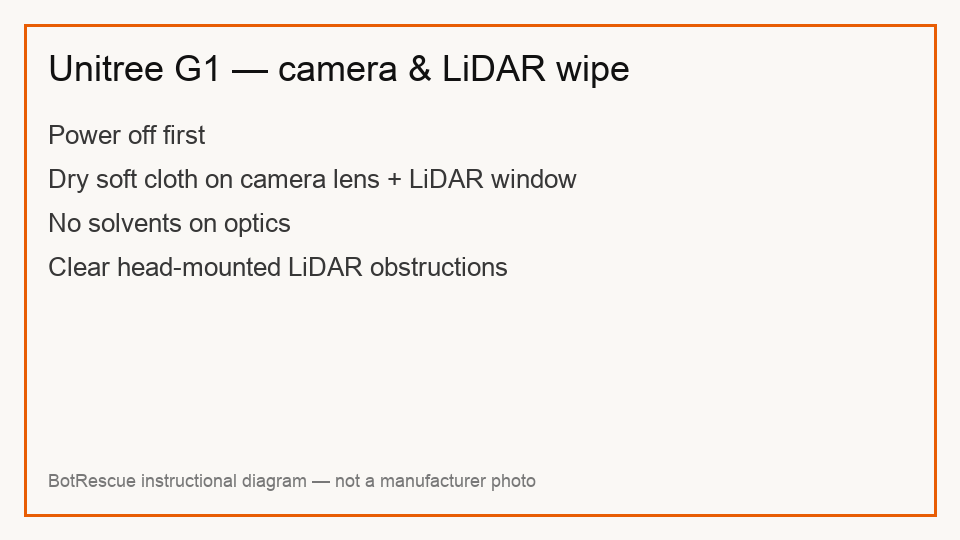
- Power off. Wipe body stains with a dry clean soft cloth — Unitree daily care calls out camera and radar/LiDAR surfaces specifically.
- Check for obstructions around the head-mounted LiDAR. Do not use solvents on optics.
- Store dry indoors — G1 is not dustproof or waterproof; moisture shortens part life.
- If sensors still fault after cleaning, request hardware assessment.
Parts (only if cleaning fails)
- None for a basic check
Official references
- https://cistemlabs.ai/wp-content/uploads/2025/04/G1-USER-MANUAL-EN.pdf