
Falls easily / cannot stand when powered on
Where to look: Feet/floor friction, battery level, App calibration menu
G1 falls during walk or cannot hold a stand after power-on; restart alone does not fix it.
Picture
Quick answers
What is wrong?
G1 falls during walk or cannot hold a stand after power-on; restart alone does not fix it.
What you might notice
- Falls during walking demos
- Cannot stand after power-on
- Balance fails on flat floor
Can I fix this myself?
Usually yes for the checks below. Difficulty: medium · about 20-40 min. If unsafe or unresolved, use meetup / mail-in repair.
What you need
- Unitree Explore App
- Flat dry floor
- Protective frame
Do this
- Operate only on suitable floors — Unitree warns against ice, thick soft sponge, and careless use on smooth glass/tile; reduce speed on undulating ground.
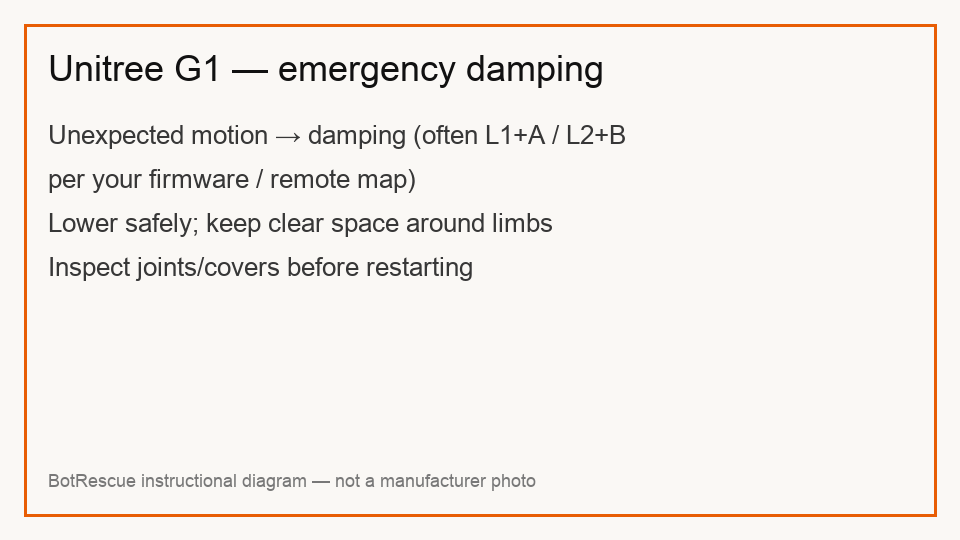
- Confirm battery charge is healthy; low pack power can contribute to falls. Enter damping (commonly L1+A — confirm for your firmware) before any shutdown.
- If restart does not help, Unitree directs joint recalibration via Explore App: Settings → Data → Robot → Calibration — but only after consulting Unitree support. Factory calibration is default; do not recalibrate casually.
- After hard falls, inspect covers, cables, and joints before retrying. Bent hardware needs meetup/mail-in assessment.
Parts (only if cleaning fails)
- None for a basic check
Official references
- https://cistemlabs.ai/wp-content/uploads/2025/04/G1-USER-MANUAL-EN.pdf
- https://www.robotsinternational.com/Unitree-G1-Support.htm